
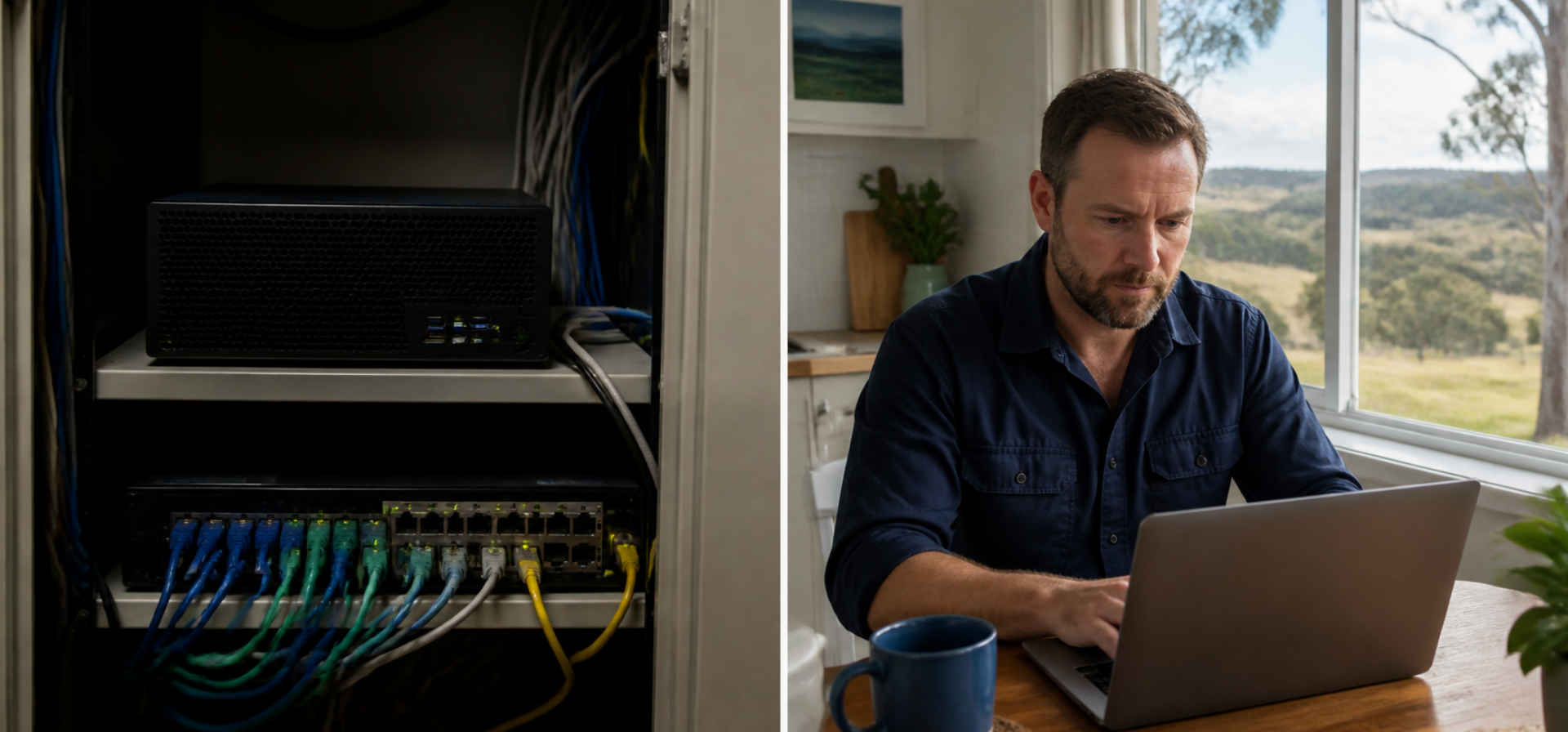
Could your team open every file it needs from a laptop at home tomorrow morning? The answer comes down to where those files live and how your team reaches them. The cloud vs on-premise server decision is the choice between keeping your systems on a server in your own office and running them as cloud services that you reach over the internet. This guide explains each option, compares them side by side, covers the security risks on both sides, and gives you six questions to take to your IT provider before your next server replacement.
What each option means
An on-premise server, also called an on-site server, is a computer kept in your office that stores files, runs shared software, or manages staff logins. A network-attached storage device (NAS), which is a storage box plugged into the office network, counts as an on-site server for this decision. Your business owns the hardware and is responsible for its updates, backups, security, and replacement, usually through an IT provider.
Cloud services are software and storage you use over the internet, usually paid by subscription. The provider runs the hardware in its own data centres. Cloud file storage, cloud accounting software, and hosted email are common examples.
Some businesses run a mix of the two, called a hybrid setup: cloud email and accounting, for example, with an on-site server kept for one older application.
Cloud vs on-premise server: a side-by-side comparison
| Factor | On-premise server | Cloud services |
|---|---|---|
| Access | In the office, or remotely through a connection the business sets up and secures | Anywhere with an internet connection and a login |
| Physical security | Hardware sits on your premises and must be kept locked away | The provider secures its data centres |
| Who handles security | Your business and IT provider handle updates, backups, and access | Shared: the provider secures the service; you control logins, settings, and often backups |
| Upfront cost | Hardware purchase and setup | Little or none |
| Ongoing cost | Maintenance, power, support, and eventual replacement | Subscriptions that grow with the number of users |
| Upkeep | Updates, warranties, and hardware faults are yours to manage | The provider updates the platform; you manage users and settings |
| Internet outage | Office work continues; remote work stops | Work stops unless files are synced for offline use |
| Growth | More capacity can mean new hardware | Add or remove users through the subscription |
The security rows reflect the Australian Cyber Security Centre’s (ACSC) Small Business Cyber Security Guide and its cloud guidance, both covered in more detail below.
The work-from-anywhere test
A simple test shows how much of your setup is tied to the office: can a team member pick up a laptop and do a full day’s work from anywhere? If the answer is no, part of the business still depends on the building.
The test matters because many people no longer work only in the office. According to the Australian Bureau of Statistics, 36% of employed people usually worked from home in August 2025. Office closures, a flood, a fire, or the end of a lease can also force a team to work somewhere else at short notice.
Run the test on each role in the business. For each role, write down what would stop that person from working away from the office. Common blockers include files saved only on the office server, software installed on one desktop computer, and a phone line that rings only at reception. Each blocker is a decision for your technology plan.
Cloud vs on-premise server security: the risks on both sides
Neither option is secure by default. The risks sit in different places, so compare them directly.
On-premise server risks
A server in the office is a physical target. It can be stolen in a break-in or damaged by fire, flood, or a power surge, and the data goes with it unless a recent backup is kept somewhere else. The ACSC’s guide says “Business devices should not be kept where unauthorised staff or members of the public could access them” and adds: “If you use a NAS or other server in your home or business, take extra care to secure them.”
Remote access adds a second risk. To reach an office server from home, the business has to open a way in from the internet, and the ACSC recommends that you “Audit and secure any internet exposed services on your network.” The guide also says devices that no longer receive security updates from the vendor should be replaced, which puts a hard end date on older server hardware and software.
Cloud risks
In the cloud, security is shared. The Australian Signals Directorate’s (ASD) cloud shared responsibility guidance puts it plainly: “The CSP and the customer share responsibility for cloud security.” A CSP is a cloud service provider. The provider secures the service itself, while your business controls who can log in, how the settings are configured, and in many cases how data is backed up. The same guidance warns that the risk of data theft or loss stays with you: “You can’t outsource that risk to a CSP.”
Default settings need checking too, because “default settings, including logging, may not be secure enough or suitable for your needs.” ASD recommends phishing-resistant multi-factor authentication (MFA) for cloud accounts. MFA is a second check on top of a password, and phishing-resistant MFA uses a method a scam email cannot capture, such as a physical security key.
On balance, the ACSC’s small business guide suggests you “Consider using online or cloud services that offer built-in security, instead of managing your own.” A cloud setup with weak passwords and no MFA still leaves the business exposed.
Comparing cost over one, five, and ten years
The cheapest option on the day can cost more over the life of the decision. A lower-priced server or a basic subscription that needs replacing within a few years becomes a second purchase, plus the cost of moving everything again.
Compare each option against where the business will be in one, five, and ten years: how many people, where they will work, and which systems they will need to reach. Then add up the full cost over that period.
For an on-premise server, include:
-
- the hardware and setup
-
- the backup system and off-site copy
-
- warranty, support, and IT provider time
-
- power and any cooling
-
- replacement when the hardware or its software reaches the end of security updates
For cloud services, include:
-
- subscriptions per user, multiplied by the expected headcount each year
-
- the one-off cost of moving files and systems across
-
- any internet upgrade needed for the whole team to work online
-
- extra services that may cost more, such as backup or logging, which ASD notes may not be switched on by default
The tax treatment also differs between buying hardware and paying subscriptions, so ask your accountant how each option affects your cash flow and deductions.
Do you need a server for your business?
Many small businesses can now run on cloud services alone. An on-site server can still make sense in a few situations:
-
- A key application only runs on a local server and has no cloud version.
-
- The team works with very large files and the office internet connection is slow.
-
- A client contract or industry rule requires data to be held in a particular place or way.
If none of these applies, moving to the cloud may suit a small business better, because managed cloud services shift more of the security work to the provider, according to ASD’s shared responsibility guidance. If one of them does apply, a hybrid setup can keep the server for that one job while everything else moves.
Six questions to ask your IT provider
Take these questions to your IT provider or technology partner before your next server replacement:
-
- What runs on our current server, and which of those things already have a cloud version?
- When do our server hardware and its operating system stop receiving security updates?
- What would each option cost over one, five, and ten years, including replacement and migration?
- Who backs up our data under each option, how often, and when was a restore last tested?
- Could every role in the business work from a laptop away from the office under each option.
In a cloud setup, which security settings are our responsibility, and are MFA and logging switched on?
FAQ
Is cloud storage safer than an on-premise server?
Neither is safer by default. A cloud provider secures its data centres and platform, which removes the physical risks of hardware in your office. Your business still controls logins, settings, and often backups, so weak passwords or missing MFA leave cloud data exposed. The ACSC suggests small businesses consider cloud services with built-in security instead of managing their own.
Do I need a server for my small business?
Many small businesses no longer need one. A server can still make sense if a key application only runs locally, if the team handles very large files on a slow connection, or if a contract requires data to be held a certain way. Ask your IT provider what runs on your current server before deciding.
What does moving to the cloud involve for a small business?
Moving to the cloud usually involves five steps. List what runs on the current server, choose cloud services for each item, and move files and users across in stages. Then turn on MFA and set access for each person. Finally, retire the old server securely. The ACSC advises resetting devices before selling or disposing of them.
What is the cloud shared responsibility model?
The shared responsibility model is the split of security tasks between a cloud provider and its customer. The provider is responsible for running the service securely. The customer controls who can access the data, how the settings are configured, and, depending on the service, backups. ASD publishes plain-English guidance on the model for small and medium businesses.
Can I keep my server and use the cloud too?
Yes. A hybrid setup keeps an on-site server for one or two jobs, such as an older application, while email, files, and accounting move to cloud services. A hybrid setup still needs security on both sides, so the server needs updates and physical protection, and the cloud accounts need MFA and checked settings.
Run the work-from-anywhere test this week
The cloud vs on-premise server decision comes down to how your team works, what the business needs in one, five, and ten years, and the full cost over that period. Run the work-from-anywhere test on each role this week, list the blockers, and take the six questions to your IT provider before the next replacement is due.
The tax treatment of hardware and subscriptions depends on your business, so raise the options with your accountant before you commit.
To compare the cost of each option over the next ten years, book a call with Sky Accountants.